Live shopping sponsor paid-path nurture
Brands, makers and sponsors reading live-shopping or Business Event content
0 leads
This page is now backed by the scheduled Campaign Kit automation. It exposes the same posts, landing URLs and paid CTAs that the weekly JSON/Markdown report generates for social, newsletter, creator outreach and sponsor follow-up.
Viewer, creator and sponsor leads now get separate follow-up paths instead of one generic newsletter queue.
Brands, makers and sponsors reading live-shopping or Business Event content
Creators evaluating monetization, clips and paid growth tools
Viewers and operators entering through live SEO, weekly picks or Fan Pass
Viewers who asked for weekly live picks
Creators evaluating first stream or Creator Pro
Sponsors and event teams considering a paid campaign
The challenge is now part of the campaign kit. Keep it in seed mode until organic clicks and checkout intent prove demand.
The automated public growth smoke checks the revenue pages, campaign assets, HostBill checkout redirects and marketing-event endpoint before paid or social distribution gets pushed harder.
The cards use a consistent 360live campaign system: strong vertical composition, one public audience, one landing URL and one paid or return-intent CTA.
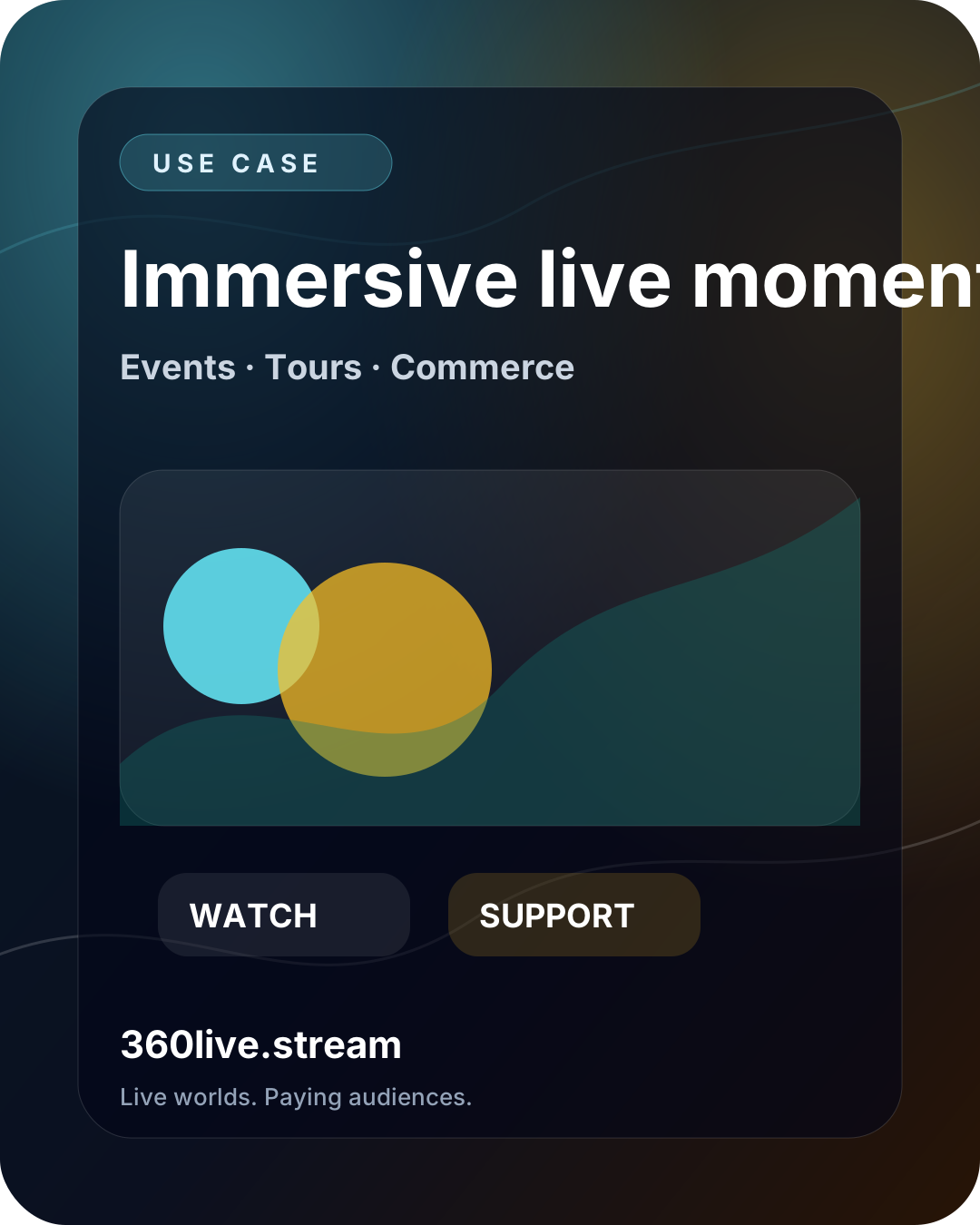
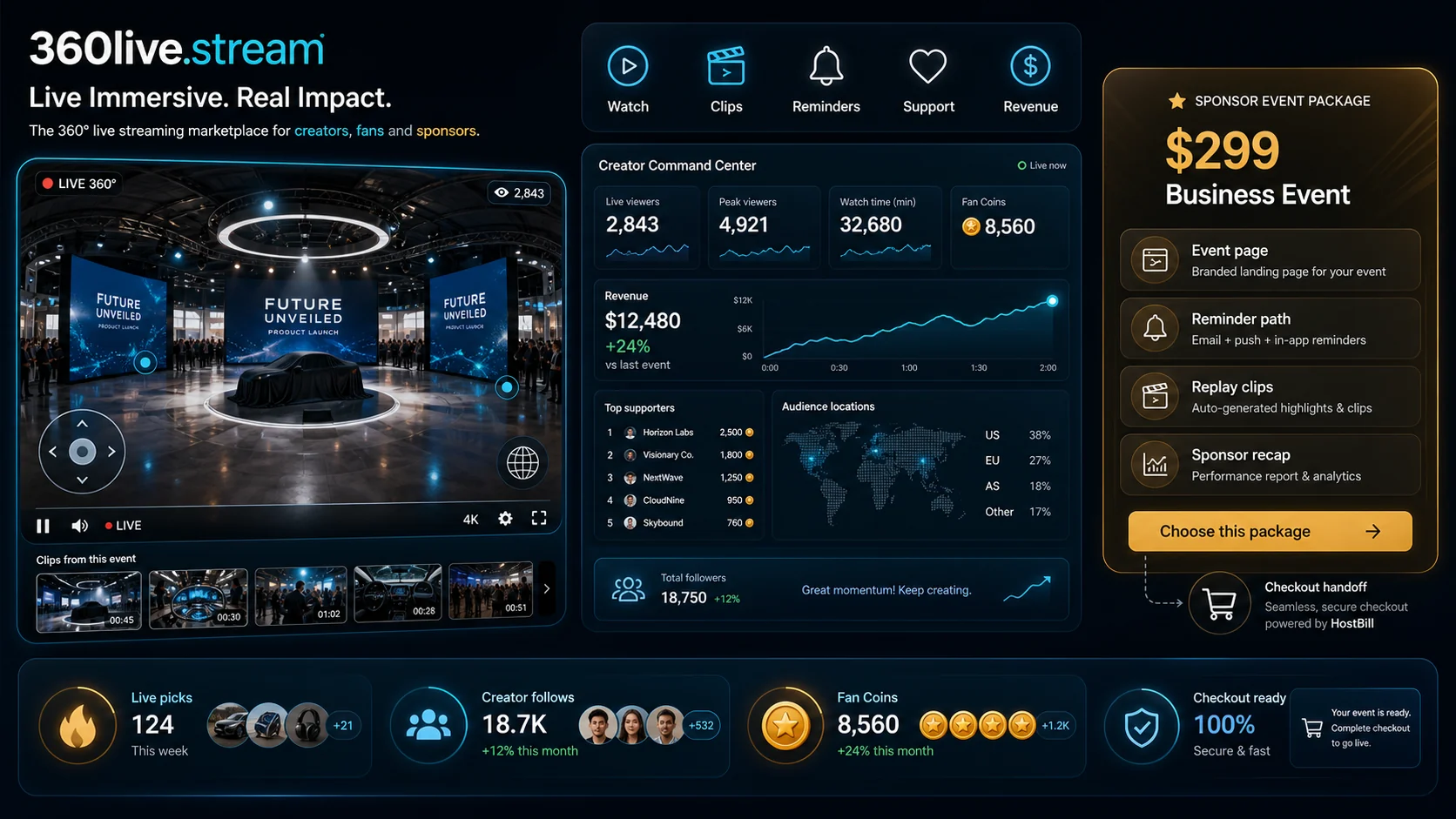
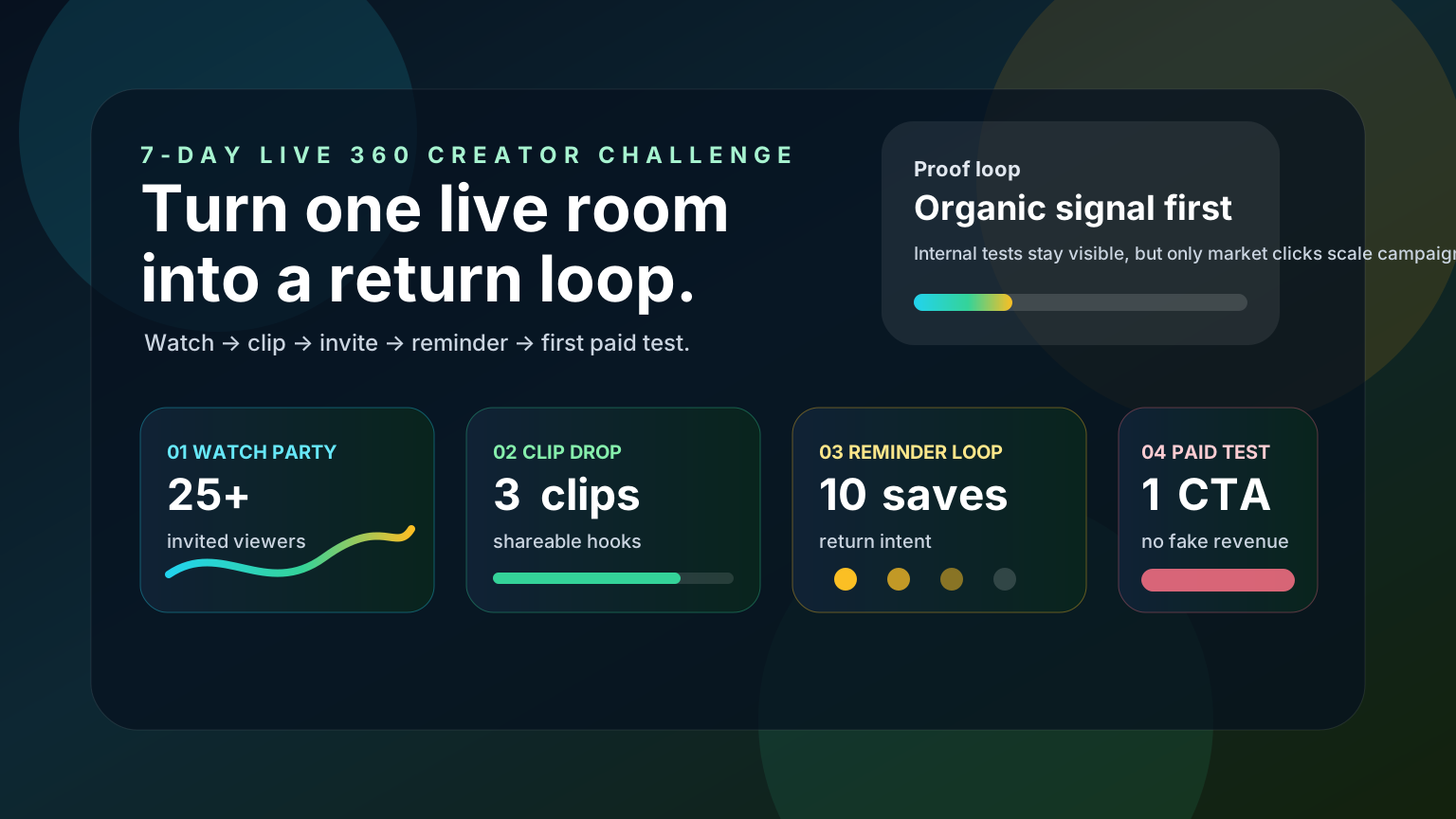
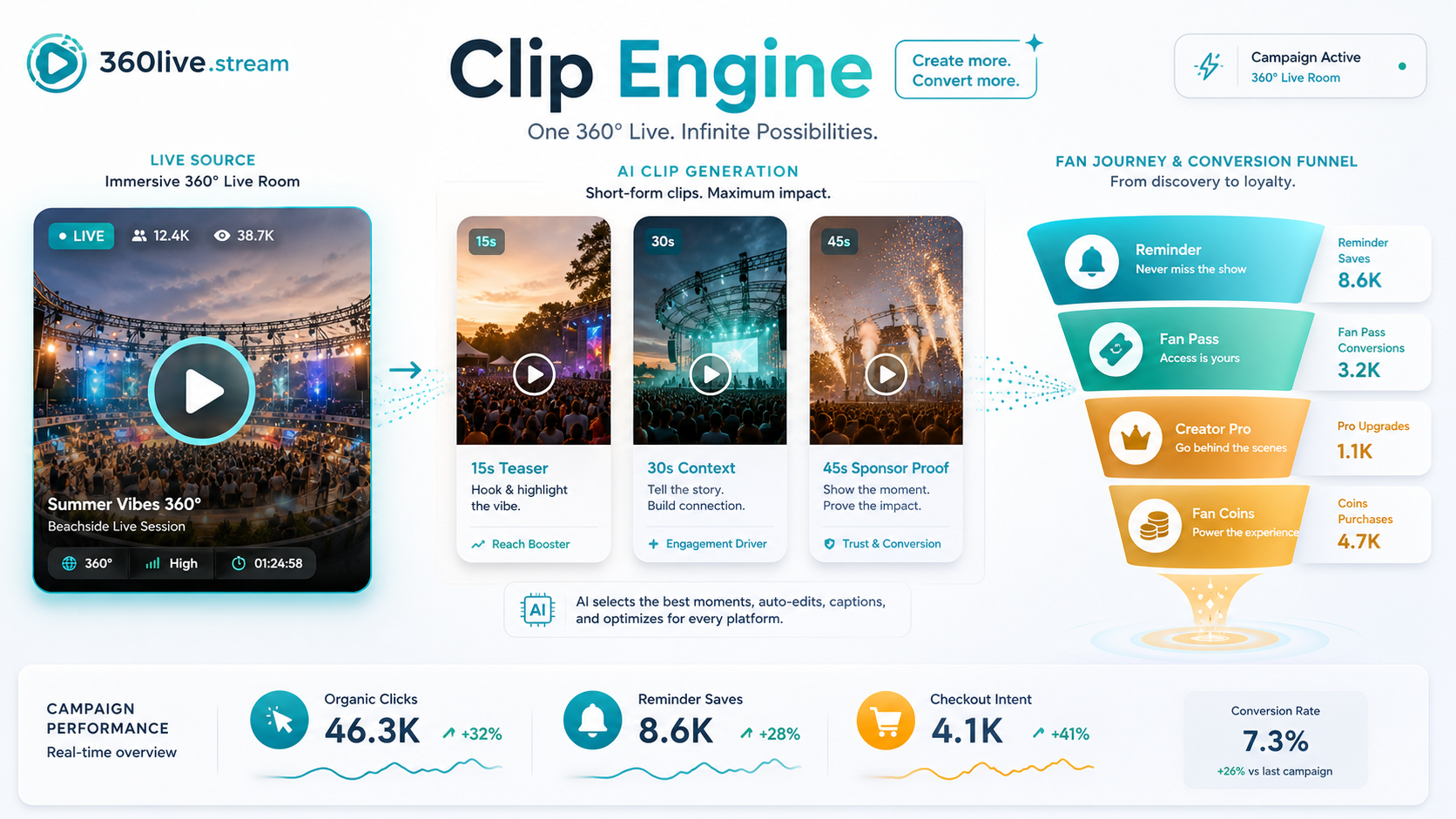
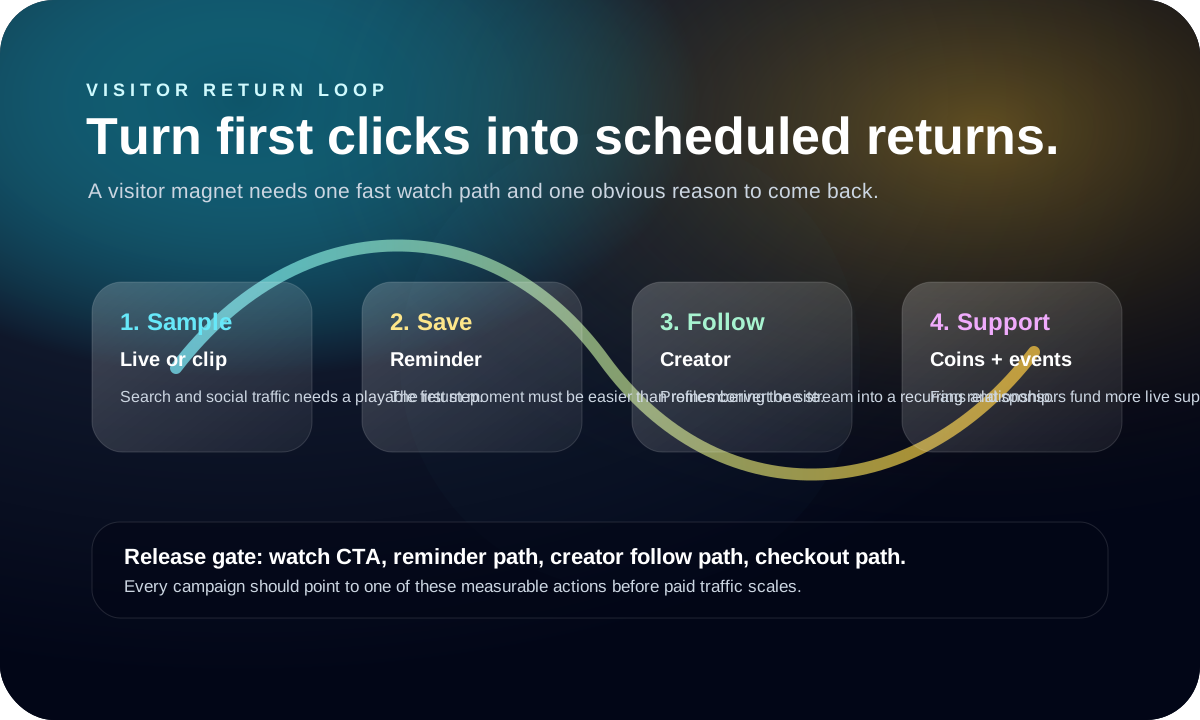
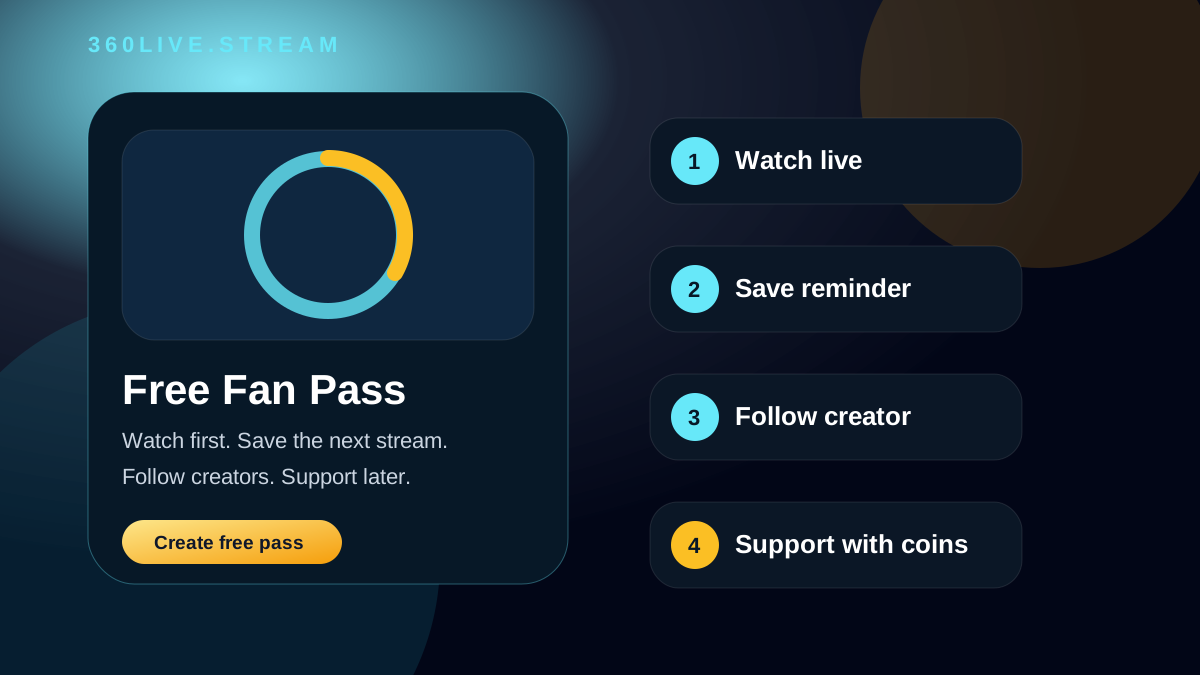
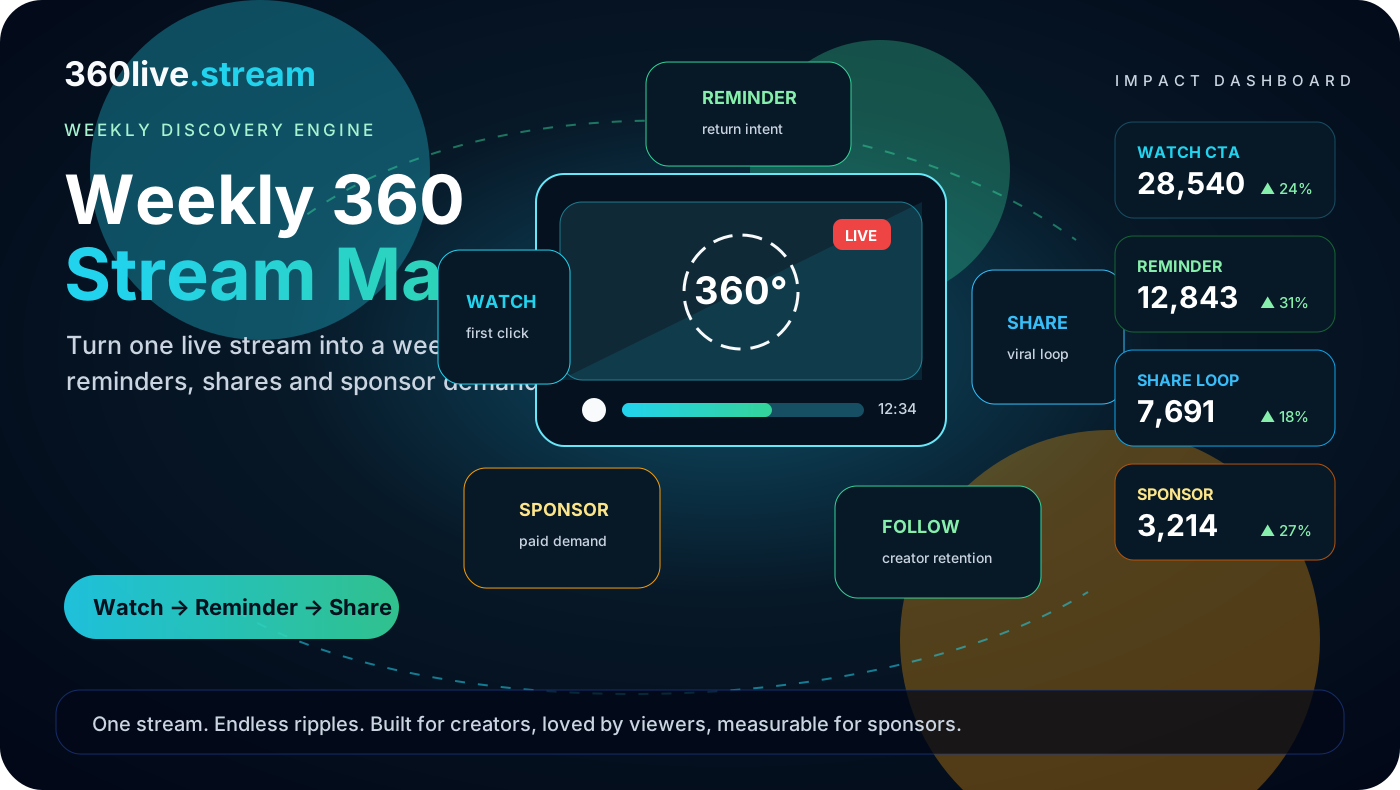
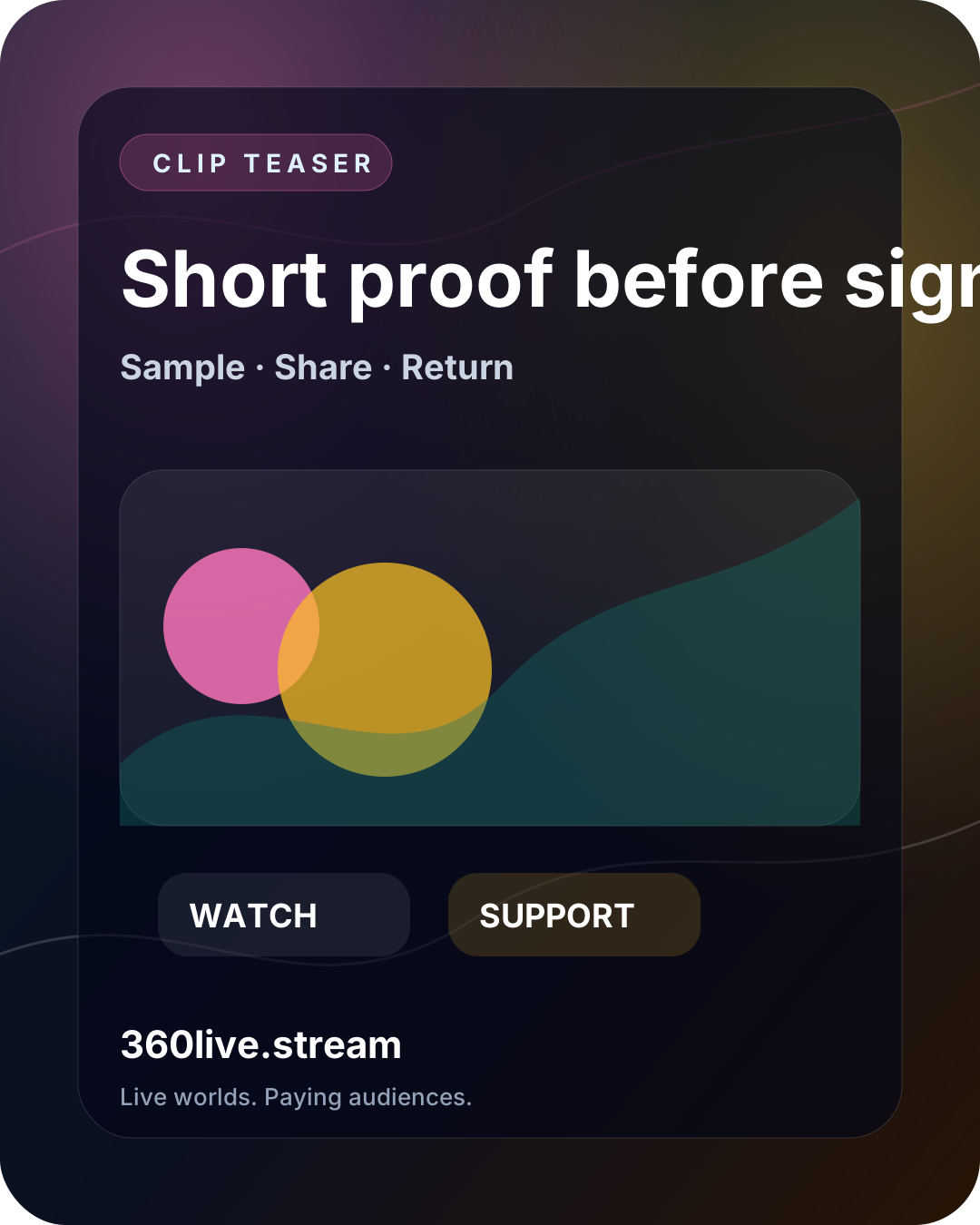
The scheduled report now carries visual URLs and channel-specific copy, so a weekly campaign can move directly into social, newsletter and paid tests.
Turn product attention into reminder capture, replay clips, sponsor recap and a branded checkout bridge. Get sponsor launch brief: https://360live.stream/use-cases/live-commerce-product-launches CTA: Get sponsor launch brief https://360live.stream/business-event-brief?utm_source=
Turn launches, festivals and venues into replayable 360 campaigns. Book Business Event: https://360live.stream/use-cases/live-360-events CTA: Book Business Event https://360live.stream/checkout/business-event?utm_source=campaign-kit&utm_medium=owned-growth&utm_campaign=live-360-e
Make spatial tours live, replayable and sponsor-ready. Schedule a tour: https://360live.stream/use-cases/virtual-tours CTA: Schedule a tour https://360live.stream/go-live Visual: https://360live.stream/graphics/campaign-kit/use-case.svg
This week’s 360 pick: Live now: Travel & City Walks in 360 by @creator_one. Watch, follow and support the next live session: https://360live.stream/streams/59 Business Event brief: A vague livestream pitch does not convert. Give sponsors a concrete $299 launch scope: event page, reminders, replay clips, recap and HostBill handoff. Get the brief: https://360live.stream/business-event-brief For brands and event teams: Turn launches, festivals and venues into replayable 360 campaigns. Book Business Event: https://360live.stream/use-cases/live-360-events Reminder pick: Upcoming 360 session: Creator Growth Room: Clips, Fans and Tips by @creator_one starts 2026-06-17T16:00:00.000Z. Open the watch page, set a reminder, follow the creator and come back live: https://360live.stream/streams/174 Return loop: Do not let a first 360 click disappear. Start with a live room or clip, save the next session, follow the creator, then support more live supply: https://360live.stream/return-loop Clip Engine: Turn one 360 livestream into three short-form hooks, UTM-labelled links, reminders and a Creator Pro checkout bridge. Use the Clip Engine before buying traffic: https://360live.stream/clip-engine Share Kit: Use ready-to-publish copy, visuals and tracked links for Clip Engine, Creator Challenge, Live Drop and Fan Pass before increasing paid spend: https://360live.stream/share-kit Creator Challenge: Run one public 360 room, publish three clips, invite 25 viewers, collect 10 reminders and test one paid action without pretending internal smoke traffic is market demand: https://360live.stream/creator-challenge Free Fan Pass: Watch immersive 360 streams before signup, then save reminders, follow creators and support only when the live moment earns it. Create a free Fan Pass: https://360live.stream/fan-pass For viewers: Support creators during live 360 sessions and replays after creating a free Fan Pass. Buy Fan Coins through the branded checkout handoff, tip the next useful stream, and help creators schedule more live worlds: https://360live.stream/checkout/coins?utm_source=campaign-kit&utm_med
A vague livestream pitch does not convert. Give sponsors a concrete $299 launch scope: event page, reminders, replay clips, recap and HostBill handoff. Get the brief: https://360live.stream/business-event-brief
Turn one 360 livestream into three short-form hooks, UTM-labelled links, reminders and a Creator Pro checkout bridge. Use the Clip Engine before buying traffic: https://360live.stream/clip-engine
Use ready-to-publish copy, visuals and tracked links for Clip Engine, Creator Challenge, Live Drop and Fan Pass before increasing paid spend: https://360live.stream/share-kit
The automation turns current inventory into a repeatable distribution rhythm. These checks show whether the campaign is ready for paid traffic or still needs supply work.